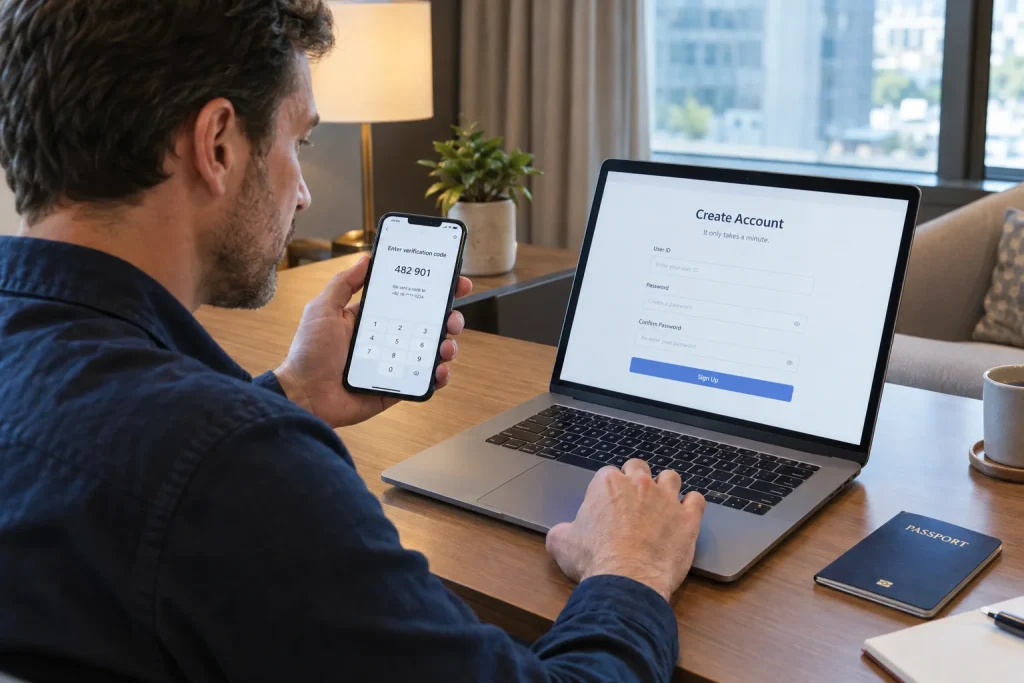
How to create a Naver account as a foreigner is much easier to understand once you separate three different things: creating a basic NAVER account, completing Korean real-name verification, and using passport verification for certain travel-related services.
International visitors do not necessarily need a Korean mobile phone number just to create a NAVER account. NAVER’s official help guidance states that users outside Korea can sign up using a mobile phone they use locally.
However, some NAVER services require stronger identity verification after the account has already been created. That is where Korean mobile verification or, for eligible foreign visitors, passport verification can become relevant.
How to create a Naver account as a foreigner
The basic signup process is similar to creating an account on many other internet services.
According to NAVER’s official account help documentation, you can begin registration from either the mobile site/app or the NAVER website on a computer.
- Open NAVER.
- Select the login option.
- Choose Sign up.
- Agree to the required terms.
- Create a NAVER ID.
- Create a password.
- Complete the requested mobile phone verification.
- Finish account registration.
The exact wording and screen layout can change, but the overall process follows this structure.
You can sign up from outside South Korea
One of the most important points for international travelers is that NAVER does not limit basic account creation to Korean mobile numbers.
NAVER’s Korean account help page specifically states that users overseas can register using the mobile phone they use locally.
This means it can be useful to create your NAVER account before traveling to Korea rather than waiting until you arrive.
What NAVER ID can you choose?
NAVER’s official guidance says an account ID can contain 5 to 20 characters using lowercase English letters, numbers, and the symbols hyphen (-) and underscore (_).
Your NAVER ID becomes part of your account identity, so choose something you can remember easily.
If NAVER reports that an ID is unavailable, someone else may already be using it or the ID may otherwise be unavailable for registration.
How NAVER passwords work
NAVER requires passwords to meet its security rules.
The current help documentation states that passwords should contain 8 to 16 characters and can use uppercase and lowercase English letters, numbers, and supported special characters.
Use a password that is unique to NAVER rather than reusing the same password from another travel or email account.
What happens during mobile phone verification?
During registration, NAVER may send a verification code to the mobile phone number you provide.
NAVER’s English help documentation explains that mobile verification is used during account creation and places limits on how frequently the same number can be used to create accounts.
This registration verification should not automatically be confused with Korean domestic real-name verification.
Basic account verification and Korean real-name verification are different
This distinction is particularly important for foreign visitors.
NAVER offers an option to create a real-name verified account. Its help documentation states that this type of registration requires a mobile phone subscribed in the user’s own name.
If you do not need that type of verification at signup, NAVER’s guidance says you can proceed without selecting the real-name verified account option.
A basic NAVER account can therefore exist even though it has not completed the same domestic identity-verification process used by Korean residents for certain services.
Why does real-name verification matter?
Some services need more confidence about the legal identity of the person behind an account.
NAVER lists services such as Npay, shopping, and membership among examples where identity verification can matter.
Other services may apply their own verification requirements depending on payments, reservations, security, or regulatory needs.
This is why successfully creating a NAVER account does not automatically guarantee access to every NAVER feature.
Passport verification changed things for foreign visitors in 2026
In June 2026, NAVER introduced a new passport-verification option designed specifically for foreign users who have difficulty completing Korean mobile-phone identity verification.
Eligible foreign users can verify themselves with a passport issued outside the Republic of Korea and access supported travel-related services such as NAVER Booking, NAVER Order, and payment functions.
Importantly, this is not simply another method for creating the initial account. It is an additional identity-verification method used when supported NAVER services require stronger verification.
What passport verification requires
NAVER’s official help center states that passport verification requires the original passport and uses both passport capture and facial verification.
The passport must:
- Be issued by a country other than the Republic of Korea
- Be valid and not expired
- Not already have been used to verify another NAVER ID
- Match the name and date of birth entered in the NAVER account
The user photographs the passport using the device camera and then completes a facial match according to the on-screen instructions.
Your name and date of birth matter
When creating an account that you expect to use with passport verification later, accuracy is important.
NAVER specifically states that the name and date of birth in the NAVER account must match the information on the passport used for verification.
Entering casual abbreviations, switching the order of names incorrectly, or using inconsistent personal information can therefore create problems later.
Should you create your NAVER account before traveling?
For many travelers, yes.
Creating the account before departure gives you time to confirm that:
- Your mobile verification works
- You remember your NAVER ID and password
- Your name and birthday are entered correctly
- You can sign in from both mobile and desktop devices
- The NAVER services you plan to use are accessible
It also avoids trying to solve account problems immediately after landing in Korea.
What can a NAVER account be useful for?
A NAVER account can make several NAVER services more useful, particularly if you use Korea’s local digital ecosystem frequently.
Depending on the service and verification status, an account may help with:
- Saving places and preferences
- Using NAVER services across devices
- Bookings
- Orders
- Shopping
- Payments
- Account-based local services
Not every visitor needs all of these features.
Do you need a NAVER account just to use NAVER Map?
You can use many basic map and search functions without turning your trip into a full NAVER account setup project.
An account becomes more useful when you want account-based features such as saved information, bookings, orders, or other connected services.
If your main concern is navigation, our guide to Naver Map vs KakaoMap vs Google Maps in Korea explains which map services are most useful for visitors.
Why NAVER login appears on other Korean websites
After creating an account, you may notice that many unrelated Korean websites and apps offer a NAVER login button.
That is because NAVER also provides an OAuth-based login system that third-party services can integrate.
Our guide to NAVER and Kakao login in Korea explains why these buttons appear so frequently.
A NAVER account does not replace Korean phone verification everywhere
Creating a NAVER account solves one problem: you now have a NAVER identity and login.
It does not automatically replace every domestic identity-verification requirement in Korea.
A separate app or service can still ask for Korean mobile verification even if you are already signed into NAVER.
For more detail, see our guide to why Korean apps ask for phone number verification.
What if passport verification is available?
If a supported NAVER service asks for stronger verification and you do not have a Korean mobile number that can complete domestic verification, look for the passport-verification option.
NAVER introduced this feature specifically to make services such as bookings, orders, and payments easier for foreign visitors.
The range of supported services can expand over time, so check the current NAVER help information when you need it.
What if account creation fails?
First check the basic information you entered.
Possible problems include:
- Verification SMS not arriving
- The phone number being entered incorrectly
- An unavailable NAVER ID
- Password-format problems
- Temporary account-creation limits associated with a phone number
If the account itself exists but you later cannot recover access, NAVER also provides separate support procedures for users residing outside Korea.
Do not create multiple accounts unnecessarily
NAVER places limits on how many accounts can be registered using the same mobile number over a period of time.
For a traveler, there is usually little benefit in creating several NAVER IDs.
One accurately configured account is easier to manage and less likely to cause confusion when you later use bookings or passport verification.
Social ID is another option foreign users may encounter
NAVER also provides Social ID login options aimed at users who may be more familiar with other international account systems.
NAVER’s help center explains that social login buttons can appear when the login page language is changed from Korean to supported foreign languages such as English or Chinese.
This can provide another familiar way for some foreign users to access NAVER services, although individual features may still have their own verification requirements.
A practical setup before your Korea trip
A simple approach is:
- Create one NAVER account before departure.
- Use your regular mobile number if the registration flow supports it.
- Enter your real name and date of birth accurately.
- Test that you can sign in again after registration.
- Install NAVER Map if you plan to use local navigation.
- Complete passport verification later only if a supported service requires it.
This avoids doing unnecessary verification while still preparing the account for services you may actually need.
Bottom line
How to create a Naver account as a foreigner is simpler than many visitors expect.
You can create a basic NAVER account without first becoming part of Korea’s full domestic identity-verification system, and NAVER states that overseas users can register using a mobile phone they use locally.
The important distinction comes later. Certain services may require stronger identity verification, and eligible foreign visitors can now use passport verification for supported NAVER Booking, Order, and payment functions without relying on Korean mobile-phone verification.
Sources
- NAVER Help — How to Create an Individual Account
- NAVER Help — Individual Account Registration
- NAVER Help — Foreign Passport Verification
- NAVER Corp. — Passport Verification for Foreign Visitors
- NAVER Help — Social ID Login for Foreign Users
Updated: September 2026. Registration screens, supported verification methods, and eligible NAVER services can change over time.