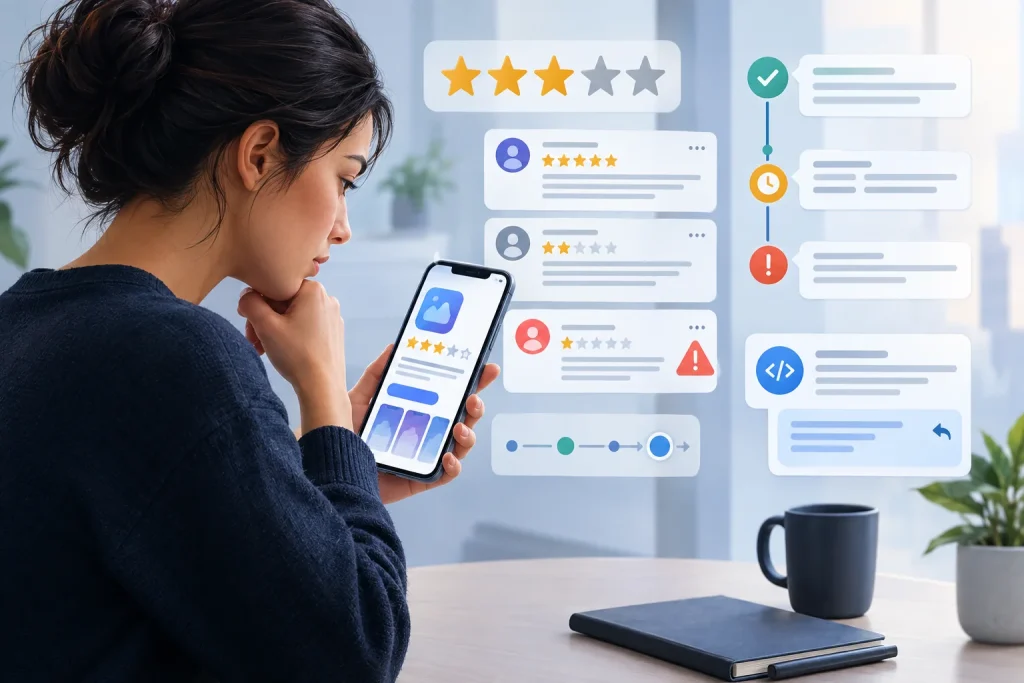
App ratings and reviews can help you avoid unreliable, misleading, or poorly maintained downloads. However, the headline score is only a starting point. A high average may reflect old versions, a short-lived promotion, a narrow group of users, or feedback that says little about how the app works today.
The better approach is to evaluate several signals together: rating distribution, review volume, recency, written detail, recurring complaints, developer replies, update history, and the app’s broader listing. The following process works for utilities, subscription services, productivity tools, games, and most other mobile downloads.
Why the Average Rating Is Not Enough
An average compresses many different experiences into one number. It does not tell you whether the app has become better or worse, whether reviewers used the same device features you need, or whether complaints concern minor preferences or serious failures.
Ratings also measure satisfaction rather than independently verifying security, privacy, accuracy, or business practices. A well-liked app can still request access you do not want to provide. Conversely, a useful specialist app may have mixed feedback because it serves a demanding or technically complex audience.
Treat the score as a summary signal, not as proof of quality. Your goal is to understand what sits behind it.
How to Evaluate App Ratings and Reviews
1. Check the Rating Distribution
If the store shows a breakdown by star level, examine the full distribution instead of looking only at the average. A broad cluster of positive ratings with some ordinary criticism tells a different story from a sharply divided pattern dominated by the highest and lowest scores.
A polarized distribution is not automatically suspicious. It may indicate that an app works well on some devices, that a redesign divided existing users, or that important features moved behind a subscription. Read recent reviews to identify the likely explanation.
Pay particular attention to reviews in the middle of the scale. These often describe both strengths and weaknesses instead of offering only praise or frustration. They can reveal practical trade-offs such as limited offline support, complicated setup, intrusive reminders, or useful features that require payment.
2. Consider Review Volume in Context
A larger review history usually gives you more material to examine, but volume alone does not establish quality. There is no universal minimum number of reviews that makes an app trustworthy. A new tool for a small professional audience will naturally attract less feedback than a mass-market social app or game.
Compare the amount of feedback with what the listing suggests about the app:
- Age and update history: An established app with almost no visible feedback deserves closer inspection.
- Type of app: Niche calculators and local services may reasonably have fewer reviews.
- Claims of popularity: Promotional claims should be considered separately from store feedback and other verifiable listing information.
- Range of experiences: A useful review set should contain enough detail to expose recurring benefits and problems.
Do not choose an app merely because it is popular. Popularity can make patterns easier to study, but it does not determine whether the app fits your needs or privacy preferences.
3. Prioritize Recent Feedback
Apps change. Updates can fix crashes, introduce bugs, alter pricing, remove features, add advertising, or redesign the interface. For that reason, recent reviews are generally more relevant to the version available now than praise or criticism from much older versions.
Sort by newest reviews when the store provides that option. Scan enough entries to identify repeated themes rather than relying on a single report. Look for comments about the latest update, current subscription terms, sign-in problems, battery use, device compatibility, and whether advertised functions still work.
Recency also helps distinguish an isolated incident from an ongoing problem. If several current reviewers independently describe the same failure, the issue may be active. If complaints stop after a later update and reviewers mention a fix, the problem may have been addressed. This remains a clue rather than a guarantee that your own device will behave the same way.
4. Read Both Positive and Negative Reviews
Reading only the most favorable feedback hides potential drawbacks, while reading only the lowest ratings can exaggerate rare failures. Sample recent positive, critical, and middle-range reviews.
Useful reviews tend to include specific context. They may identify the feature used, the type of problem encountered, whether the issue appeared after an update, or how support handled it. Short statements such as generic praise or anger provide much less evidence.
As you read, separate different kinds of complaints:
- Functional problems: Crashes, failed exports, lost progress, broken notifications, or sign-in failures.
- Commercial concerns: Unexpected paywalls, unclear trials, aggressive advertisements, or confusing cancellation steps.
- Usability preferences: Interface choices, colors, navigation, or learning curve.
- Compatibility issues: Problems associated with particular devices, operating system versions, accessories, or account configurations.
- Support experiences: Whether users received relevant help and whether reported defects were acknowledged.
Focus on issues that would affect your intended use. A missing cloud-sync feature may be decisive for one person and irrelevant to another.
How to Spot Suspicious Review Patterns
No single writing style proves that feedback is fake or manipulated. Treat suspicious patterns as reasons to investigate further, not as definitive evidence against the developer or reviewer.
Potential warning signs include:
- Many reviews using nearly identical wording, sentence structure, or unusual phrases.
- A burst of vague praise that does not mention any function or realistic use case.
- Repeated claims that sound like advertising copy rather than personal experience.
- Large numbers of extreme ratings with very little specific explanation.
- Positive comments that discuss features not found in the current listing.
- Reviews that appear unrelated to the app being evaluated.
- A strong overall score paired with a stream of recent, detailed complaints.
Some innocent explanations are possible. Users may copy wording suggested by a prompt, reviews may be translated, and people often leave brief feedback. That is why patterns matter more than any single comment.
When something looks unusual, compare newest reviews with the most critical and most helpful feedback. You can also consult other independent sources, while remembering that social posts and editorial coverage have their own limitations. BestSpot’s practical technology articles can provide additional context for evaluating software and digital services.
Evaluate Developer Responses
Developer replies can show how a company handles criticism, but the presence of a response does not prove that a problem was fixed. Read the substance of the reply.
A useful response identifies the issue, offers a relevant troubleshooting step, explains where to obtain support, or states that a correction is being investigated. When reviewers later confirm that a solution worked, that adds useful context.
Be cautious when replies are dismissive, hostile, unrelated to the complaint, or copied under many different issues without addressing them. Repeated requests to contact support may be reasonable when account details are needed, but they do not resolve the public evidence unless the underlying pattern improves.
Google Play provides help materials covering store ratings, reviews, and related user controls. Check the current guidance in the official Google Play Help Center, especially if you need instructions for managing your own review or reporting inappropriate content.
Cross-Check the Rest of the App Listing
Reviews should agree broadly with the information elsewhere on the listing. Examine the developer identity, update notes, in-app purchase disclosures, subscription information, age guidance, permissions, privacy information, and support contact details where available.
A rating cannot establish that an app handles data safely. Review requested permissions during installation and when the app first asks for access. Consider whether each request is necessary for the feature you plan to use. For example, a mapping function may need location access, but that does not mean every app needs continuous location access.
Privacy disclosures are informative, but they should not be treated as an independent technical audit. If an app will handle financial, health, identity, work, or private communication data, apply more scrutiny and verify the developer through reliable sources.
You can browse BestSpot’s app coverage or review currently trending apps for discovery, but always complete your own checks before installing or granting permissions.
Use a Final Pre-Download Checklist
Before tapping the download button, confirm the following:
- Rating context: You checked the distribution rather than relying only on the average.
- Review volume: The amount of feedback makes sense for the app’s age, audience, and purpose.
- Recency: Current reviews describe the version and features you are likely to use.
- Specific detail: Reviews mention realistic functions, limitations, or support experiences.
- Repeated issues: You identified recurring complaints and decided whether they matter to you.
- Suspicious patterns: You looked for duplicated, irrelevant, or unusually generic feedback without assuming it proves manipulation.
- Developer conduct: Replies are relevant and constructive rather than dismissive or purely promotional.
- Listing consistency: Pricing, purchases, update notes, permissions, and privacy information match your expectations.
- Risk level: You applied extra caution if the app will handle sensitive information or important files.
Make the Decision Based on Your Use Case
The best interpretation of app ratings and reviews is practical rather than mathematical. Ask whether the current evidence supports the specific task you need to complete and whether the remaining uncertainty is acceptable.
If recent reviews reveal unresolved crashes, lost data, misleading charges, or essential features that no longer work, wait for clearer evidence of improvement or choose an alternative. If complaints concern features you do not need and current feedback consistently supports your intended use, the app may still be suitable.
No review process eliminates all risk. You can reduce exposure by testing with non-sensitive data, denying unnecessary permissions, avoiding immediate long-term subscriptions, and confirming that important files are backed up. Combined with a careful reading of the listing, app ratings and reviews become a useful decision tool rather than a score you follow blindly.