
Passwords have protected online accounts for decades, but they create familiar problems. People reuse them, attackers steal them through phishing, and services must store data that can become a target in a breach.
That raises a practical question: what are passkeys, and why are websites and operating systems offering them as an alternative? A passkey is a cryptographic sign-in credential that lets you access an account by unlocking a trusted device, usually with a fingerprint, face scan, device PIN, or screen-lock pattern.
The password is replaced by a unique key pair. The service receives a public key, while the corresponding private key remains under the control of your device or credential provider. Optional cloud syncing can make that credential available on several devices, but syncing also affects portability and recovery.
What are passkeys?
A passkey is generally a discoverable public-key credential used to authenticate to a website or app. It is built on established web authentication technology rather than a new type of password.
On the web, passkeys commonly operate through Web Authentication, known as WebAuthn. This browser API is part of the standards developed through the World Wide Web Consortium’s web standards work. WebAuthn allows a site to request a cryptographic credential from an authenticator, such as a phone, computer, or hardware security key.
“Discoverable” means the authenticator can store enough information to locate the relevant credential and, where supported by the service, identify the account. A site may therefore offer a passkey directly from its sign-in screen without first requiring a username. Other sites still ask for an email address or username before requesting the passkey.
A passkey is not the same thing as a saved password. Password managers can fill a shared secret into a login form. A passkey instead proves possession of a private cryptographic key without revealing that key to the website.
How public-key cryptography enables passwordless sign-in
Every passkey consists of a mathematically related key pair:
- Public key: Registered with the website or app and stored with the account.
- Private key: Kept by the authenticator and used to create signatures during sign-in.
The public key can verify a signature produced by the private key, but it cannot feasibly be used to reconstruct the private key. This separation is what lets a server confirm your identity without keeping a reusable password equivalent.
What happens when a passkey is created
Passkey registration usually begins after you have signed in through an accepted method or while creating a new account. The service asks the browser or app to create a credential for its domain.
Your authenticator generates the key pair. The website receives the public key and associated credential information, while the private key stays with the authenticator or its protected syncing system. The credential is also bound to the service’s relying-party identity, which is normally based on its web domain.
The operating system may ask you to verify that you approve the action. Depending on the device, that can involve biometrics, a device PIN, or another local unlock mechanism.
What happens during sign-in
When you return, the service sends a fresh, unpredictable challenge. After you approve the request on your device, the authenticator uses the private key to sign data that includes the challenge and relevant authentication context.
The server checks the signature with the stored public key. If the signature is valid and the other required conditions are satisfied, the service signs you in.
The challenge helps prevent an old authentication response from simply being captured and replayed. The private key itself is not sent to the website during registration or sign-in.
Device authentication stays separate from the website
Passkeys often appear to work through a fingerprint or face scan, but the biometric is not the online credential. It is a local way to unlock access to the private key and confirm user presence or verification.
The website receives an authenticated response indicating that the required verification occurred. It does not receive your fingerprint image, facial template, or device PIN through WebAuthn.
This distinction also explains why passkeys can work on devices without biometric hardware. A laptop may use its login PIN, while a hardware security key may use a built-in PIN or require a physical touch. The cryptographic operation is the essential part; the local approval method depends on the authenticator.
Why passkeys can be safer than passwords
Passkeys address several weaknesses that are inherent to password-based authentication.
- No reusable secret is typed or shared: There is no password for a person to disclose in a convincing message or fraudulent form.
- Credentials are unique to each service: A passkey created for one site is not reused on another site.
- Authentication is tied to the legitimate site: The browser and authenticator evaluate the requesting origin and relying-party identity, making passkeys resistant to conventional credential-phishing pages.
- Server storage is less useful to credential thieves: A stored public key is not secret and cannot be used by itself to create valid signatures.
- Users do not need to memorize complex strings: This removes the incentive to choose weak passwords or reuse one password across many accounts.
Phishing resistance does not make an account immune to every attack. Malware running with sufficient access may interfere with a device or steal an authenticated session. Attackers can also target customer support, account recovery channels, email accounts, and other fallback methods.
A compromised service can expose personal information even if its passkey public keys are not reusable login secrets. Passkeys improve authentication, but they do not replace secure software, careful account recovery policies, or protection against session theft.
How passkeys work across devices
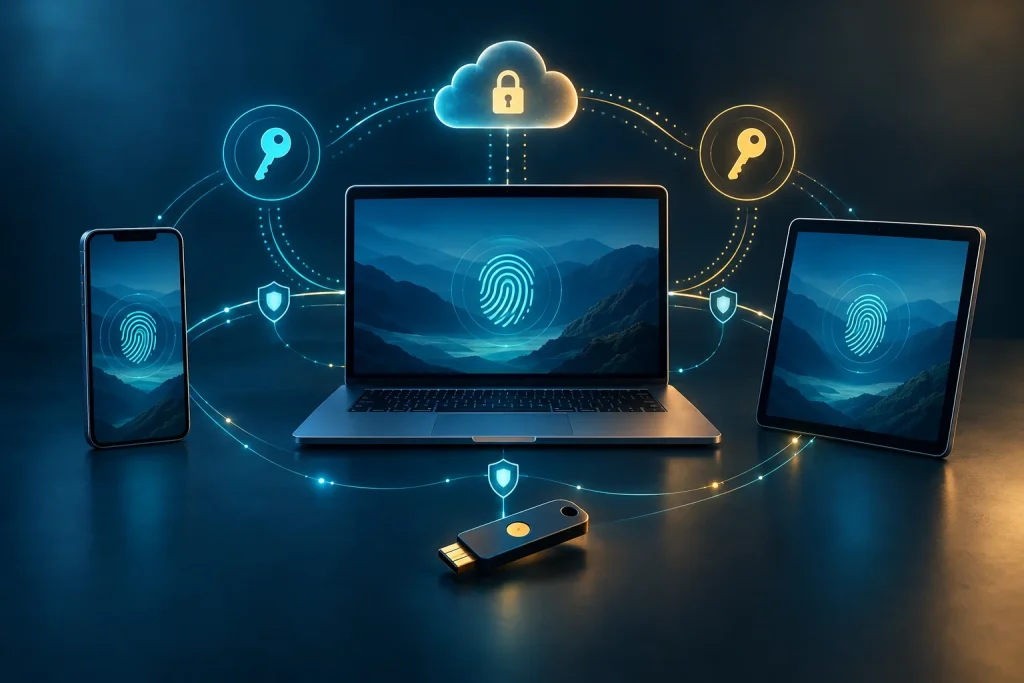
A passkey can be device-bound, synced, or used remotely from a nearby device. The available choices depend on the operating system, browser, credential provider, service, and organizational policy.
Synced passkeys
Many consumer devices can sync passkeys through a platform credential service. Once a passkey is saved, it may become available on other devices signed in to the same protected platform account.
Syncing makes passkeys more convenient and reduces dependence on one physical device. Credential providers apply encryption and account-security controls to synced data, but their specific protections, recovery procedures, and supported platforms can differ.
A synced passkey still uses public-key authentication at the website. Syncing changes how the private credential is made available to your devices; it does not turn the passkey into a password stored by the site.
Using a nearby phone to sign in
A computer that does not hold the passkey may let you use a nearby phone. The computer can display a QR code or offer another handoff process. You approve the sign-in on the phone, which performs the cryptographic authentication.
These flows generally include a proximity check so that a remote attacker cannot succeed merely by obtaining an image of the QR code. The phone may authenticate the session without permanently transferring the passkey to the computer.
Hardware security keys and multiple credentials
Some hardware security keys can store passkeys. These portable authenticators are useful for people who want a credential independent of a phone or cloud account, and they may be required in managed environments.
Where a service supports it, registering more than one passkey can reduce lockout risk. For example, an account could have credentials on two security keys, or one synced passkey plus a separately stored backup credential.
Support and interfaces vary, so it is worth reviewing a service’s settings before relying on a particular arrangement. Readers comparing authentication tools can explore BestSpot’s app guides and broader technology explainers and security articles.
Passkey recovery has important limitations
Passwords are easy to reset because a service can issue a reset link and accept a new secret. A passkey’s private key cannot be recreated by the website from its public key. If every copy of the credential is lost, the original passkey is gone.
With synced passkeys, recovery may depend on regaining access to the platform account that protects the credential store. That could involve trusted devices, recovery contacts, recovery codes, or other checks chosen by the provider. The website where the passkey is used does not control that external recovery process.
Device-bound passkeys require a different plan. A lost or damaged device can cause a lockout unless the account has another registered passkey or an accepted recovery route.
Common recovery options include:
- Another passkey registered to the same account
- A passkey restored through the credential provider’s protected sync service
- Recovery codes stored somewhere safe
- A verified email address or another service-specific recovery process
- Identity checks performed by the service’s support team
Fallback methods can weaken an otherwise strong setup. If an account still permits a phishable password or an easily compromised email reset, an attacker may target that route instead of the passkey. The strength of the account therefore depends on both daily sign-in and recovery.
Portability can also be a concern. Moving passkeys among different credential ecosystems is not always as simple as exporting ordinary data, and capabilities vary by provider. Before changing platforms, users should confirm that they have another way to access important accounts.
Passkeys, passwords, and security keys are not identical
A password is a shared secret known to the user and verified by the service. A passkey is a public-key credential, while a security key is a physical authenticator that can hold credentials and perform authentication.
That means a security key may contain a passkey, but the terms are not interchangeable. Likewise, a phone or laptop can act as an authenticator without being a dedicated security key.
Some services offer passkeys alongside passwords rather than removing passwords immediately. This can ease adoption, but users should inspect whether the older sign-in method remains active and how account recovery is secured.
How to adopt passkeys safely
Start with accounts that clearly show their security and recovery settings. When offered a passkey, note where it will be stored and whether that credential is synced or limited to one authenticator.
- Protect the device and credential-provider account with a strong screen lock and current recovery information.
- Register a second passkey for critical accounts when the service permits it.
- Store recovery codes offline or in another appropriately protected location.
- Remove passkeys associated with devices or security keys you no longer control.
- Review fallback passwords, email recovery, and active sessions rather than assuming the passkey secures every access path.
- Keep operating systems and browsers updated so their authentication components receive security fixes.
Interfaces will continue to differ among apps and platforms. Coverage of trending apps and platform changes can help users recognize new sign-in options, but the underlying principle remains stable: the private key proves account access without being disclosed to the service.
The practical meaning of passwordless sign-in
Passkeys replace a memorized, reusable secret with a cryptographic credential unlocked through a trusted authenticator. Public-key cryptography verifies the login, local device authentication confirms approval, and optional syncing makes the credential available across supported devices.
The result is a sign-in method that is easier to use and more resistant to password theft and conventional phishing. Its main trade-offs concern device access, ecosystem portability, fallback methods, and recovery after every credential is lost.
Understanding what are passkeys is therefore about more than removing a password field. Passkeys shift security toward possession of protected devices and credential stores. Used with multiple authenticators and a deliberate recovery plan, they can provide a stronger and more convenient foundation for online account access.