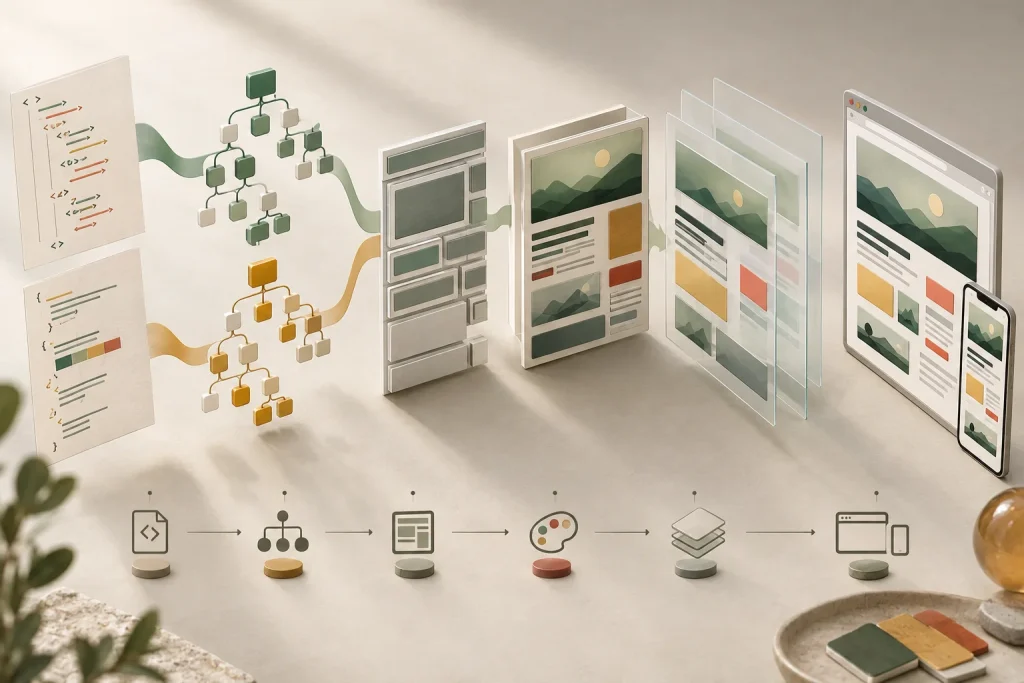

A progressive web app, commonly shortened to PWA, is a website designed to provide capabilities people often associate with installed applications. Depending on the browser and operating system, it may work offline, appear on a home screen or application launcher, send notifications, and open in a dedicated window.
PWAs do not turn websites into native applications. They use standard web technologies, together with components such as service workers and web app manifests, to build a more reliable and integrated experience on top of the browser.
This distinction matters. A PWA remains part of the web: it can be opened from a link, indexed where appropriate, and updated from a web server. Its advanced features, however, depend on browser support, device policies, user permissions, and the way the application has been engineered.
What Makes a Web App Progressive?
A PWA is not a single file format or one specific programming framework. It is an architectural approach that combines a conventional web application with optional platform capabilities.
The word “progressive” reflects progressive enhancement. A site should provide a useful baseline experience where possible, then add installation, offline behavior, notifications, or other features when the browser supports them.
This approach helps the same application serve a wide range of devices without assuming that every visitor has identical software or hardware. A desktop browser may offer a standalone window and push notifications, while another environment may provide only the standard website.
Standards bodies and browser developers define many of the technologies involved. The W3C web standards organization is a useful starting point for understanding the broader standards ecosystem behind interoperable web experiences.
Core Parts of a Progressive Web App
Most PWA implementations rely on several technologies working together. The most important are service workers, a web app manifest, deliberate caching, and browser APIs.
Service Workers Provide a Background Control Layer
A service worker is a JavaScript worker that the browser runs separately from a web page. Once registered and activated, it can respond to events even though it cannot directly access the page’s document structure.
One of its central jobs is intercepting network requests within its scope. The service worker can decide whether to retrieve a requested resource from the network, return a stored response from a cache, or combine the two approaches.
This makes a service worker useful for reliability. If a connection is unavailable, the application may still return a cached interface, previously downloaded content, or a custom offline page instead of displaying a generic network error.
Service workers are also involved in capabilities such as web push and, where supported, certain forms of background synchronization. They are event-driven rather than permanently running processes. The browser can stop them when they are idle and start them again for a relevant event.
Because a service worker can modify responses and mediate network activity, browsers generally require it to be delivered in a secure context using HTTPS. Local development environments commonly receive a limited exception.
The Web App Manifest Describes Installation
A web app manifest is a JSON-based metadata file linked from the site. It tells a supporting browser how the application should appear when installed.
Common manifest properties describe:
- The application’s full and short names
- Icons in suitable sizes
- The start URL used when the app opens
- The preferred display mode, such as standalone
- The navigation scope associated with the app
- Theme and background colors
The manifest does not install anything by itself. Browsers apply their own eligibility rules and interface conventions. One browser may show an installation icon in the address bar, another may offer an option in its menu, and another platform may provide a home-screen action.
After installation, a PWA can often launch from a home screen, dock, or application menu. A standalone display mode may hide conventional browser controls, but the underlying application still runs through browser technology.
Caching Supports Speed and Offline Access
PWAs can use the Cache API to store request and response pairs under application control. This is separate from ordinary HTTP caching, although both can contribute to performance.
Developers choose caching strategies based on the type of resource. A cache-first strategy is useful for stable assets such as icons, style sheets, and interface code. A network-first strategy may be better for information that needs to remain current. A stale-while-revalidate approach can return a stored response quickly while fetching an updated copy for later use.
Structured application data may be stored in browser databases such as IndexedDB. For example, a note-taking PWA could preserve drafts locally and upload them when connectivity returns.
Offline support is therefore not automatic or absolute. Developers must decide what to cache, how long to retain it, how to update it, and what the user should see when a live request cannot be completed.
Browser APIs Add Device and Platform Features
Modern browsers expose APIs for capabilities such as geolocation, media capture, clipboard access, file selection, sharing, and notifications. A progressive web app can use supported APIs to provide interactions that feel closer to those of an installed native app.
Access is controlled by the browser and operating system. Sensitive capabilities normally require user permission, and some APIs are available only in secure contexts. Support can also differ between desktop and mobile platforms.
Good PWA design treats these features as enhancements. If a share API is unavailable, for example, the interface can offer a conventional copy-link button instead of failing completely.
How PWAs Deliver App-Like Experiences
The app-like quality of a PWA comes from the combined experience rather than any individual technology. Responsive layouts adapt the interface to different screens. Client-side navigation can update views without reloading an entire document. Local storage can preserve state, while service-worker caching can reduce dependence on the network.
Installation adds another layer of integration. An installed PWA may have its own icon, dedicated window, task-switcher entry, and launch behavior. On supported systems, the user can return to it without first navigating through a browser tab.
These features do not require the application to imitate every visual convention of a mobile app. It should still provide accessible controls, understandable navigation, working URLs, and appropriate browser behavior.
Offline Does Not Mean Every Feature Works
A well-designed PWA can load its basic interface without a connection, but features that depend on remote services may remain unavailable. Search results, live account balances, real-time messages, or server-generated recommendations cannot be refreshed when the device is offline.
The application should communicate this state clearly. It might display previously synchronized data, queue an edit for later delivery, or disable an action with an explanation. Simply caching the opening screen is not the same as delivering a complete offline workflow.
Notifications and Push Messages
Where supported, a PWA can request permission to display notifications. Web push allows a server to trigger a push event, which a service worker can process before showing an appropriate notification.
Permission should be requested in context, such as after a person enables alerts for a specific purpose. Browsers and operating systems may block, limit, or group notifications, and users can revoke permission at any time.
Push behavior is not identical across platforms. Developers should not assume that every installed PWA can receive notifications under the same conditions as a native application.
Progressive Web App Limitations
PWAs can cover many common application scenarios, but they do not offer universal access to every operating-system feature. Their capabilities are bounded by the browser’s security model and implementation.
Important limitations can include:
- Uneven API support: A hardware or operating-system integration available in one browser may be missing in another.
- Restricted background activity: Browsers control when service workers run and do not allow arbitrary continuous processing.
- Storage management: Browsers can enforce quotas or remove site data, particularly when storage is limited.
- Permission requirements: Notifications, location, camera access, and similar features require user or system approval.
- Installation differences: Prompts, eligibility criteria, update behavior, and launcher integration vary by platform.
- Native-only capabilities: Some specialized device functions, system services, and low-level integrations may require native software.
Performance also depends on the workload. A PWA can be fast and responsive for content, commerce, productivity, and communication interfaces. Applications involving intensive graphics, specialized hardware, complex background processing, or tightly controlled system integration may be better suited to native development.
PWA Versus Native Mobile App
A native mobile app is generally built for a particular operating system and distributed as a platform-specific package. It can use the system’s native development tools and, subject to permissions and platform rules, gain deeper access to device capabilities.
A PWA is delivered from a web server and can usually share one web-oriented codebase across supported devices. Users can follow a link before deciding whether to install it, and developers can deploy many updates without requiring a traditional app-store download.
That reach can reduce friction, but it is not automatically the best option for every project. Native development may be preferable when an application depends on maximum hardware access, sustained background execution, advanced platform-specific interfaces, or distribution requirements tied to a particular app marketplace.
Organizations also do not have to make an absolute choice. A service may offer a responsive website or PWA alongside native apps, selecting different technologies for different user needs.
Security, Updates, and Responsible Design
HTTPS protects data in transit and is essential to the service-worker security model, but it does not make an application safe by itself. Developers still need secure authentication, careful dependency management, input validation, access controls, and protection against common web vulnerabilities.
Cache updates require special attention. A service worker can keep older files available while a new version is being installed, so developers need a controlled update strategy. Incompatible cached assets can otherwise leave users with a mixed or broken release.
PWAs should also avoid treating installation or notifications as goals by themselves. Prompts are more useful when they follow genuine engagement and explain a clear benefit. An ordinary browser experience may be preferable for an occasional visitor.
When a Progressive Web App Is a Good Fit
A PWA is especially practical when broad web reach, link-based access, responsive design, and resilience on unreliable networks are priorities. It can suit publications, stores, booking tools, internal dashboards, communication services, and productivity applications, provided the required browser capabilities are available.
Before choosing the approach, teams should identify essential device features, target platforms, offline workflows, accessibility requirements, and distribution expectations. Testing must include the actual browsers and operating systems used by the intended audience.
Readers comparing software experiences can explore BestSpot’s app coverage and follow currently trending apps. Broader guides to web platforms and consumer technology are available in the BestSpot technology articles section.
Ultimately, a progressive web app is not a shortcut that makes the web identical to native software. It is a standards-based way to make web applications more installable, reliable, capable, and integrated while retaining the accessibility and reach of a URL.